

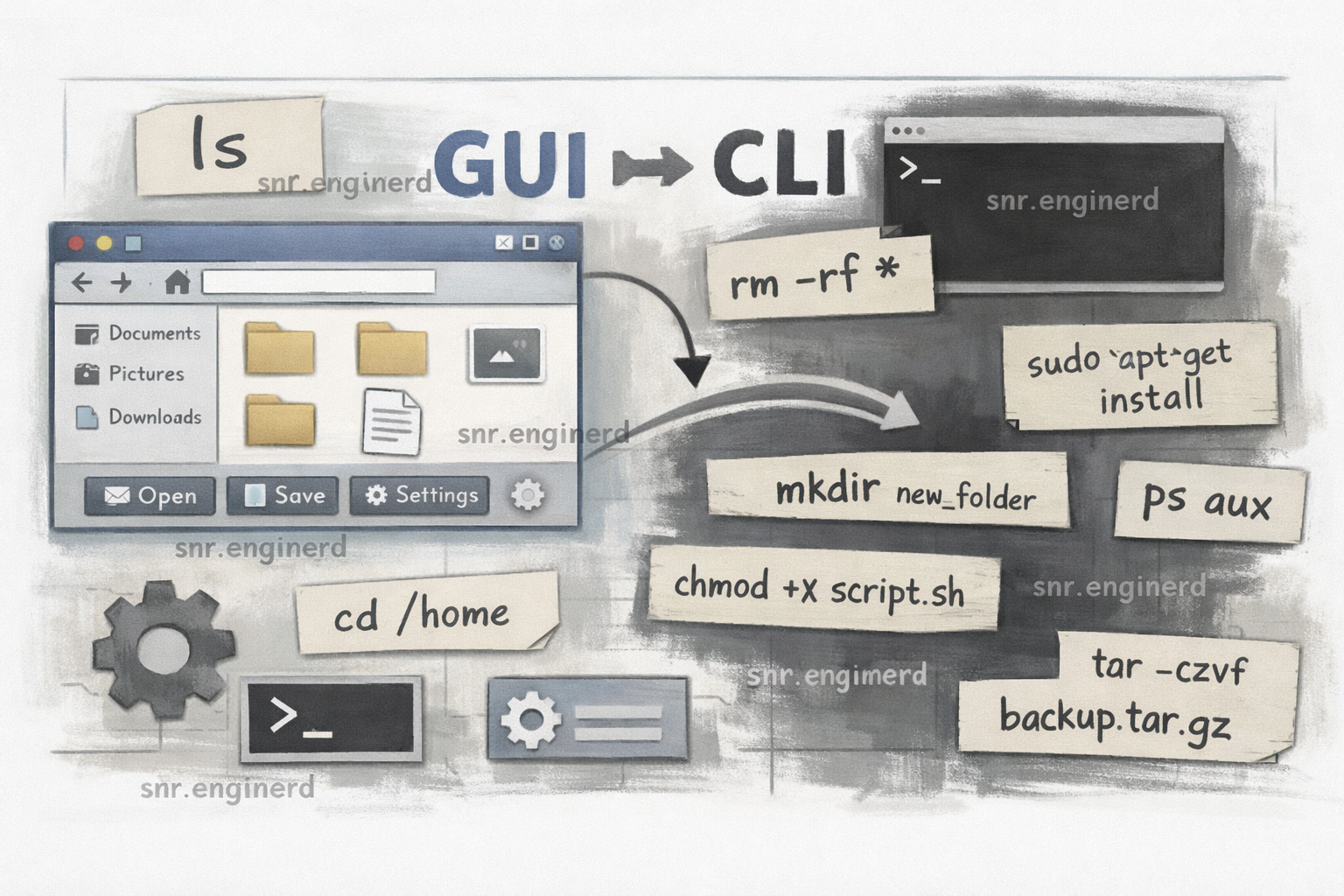
Every profession has tools. For developers, those tools are mostly software: terminals, editors, dashboards, and a thousand tabs you pretend are organized.
The command line is probably the most used tool in our world. It has come a long way, especially now with AI‑powered terminals like Warp that help with autocomplete, explanations, and fewer “why is this failing” moments. But before AI, most developers still had another option: GUI — Graphical User Interface.
A GUI gives you buttons, menus, and a friendly path through the same actions you would do in a terminal. You do not have to remember a bunch of commands to navigate your filesystem, search, or deploy. It is simple, direct, and often faster for certain tasks.
With time, developers build preferences. I have been in places where command‑line skills are treated like a badge of honor, and using GUI tools is considered a sin. I have also been in environments where a GUI is just normal — no shame, no drama.
So which is better?
My honest take: it does not matter which one you use. What matters is that you know how to use it.
CLI strengths
- Fast for repeatable tasks once the muscle memory is there.
- Scriptable and easy to automate.
- Works great for tools like Git, Docker, Kubernetes, and AWS.
GUI strengths
- Easier to discover features.
- Safer for visual tasks (file operations, diff reviews, dashboards).
- Great for quick actions when you do not want to memorize syntax.
The truth is: most real developers use both. They pick the tool that makes the job easier, not the one that wins internet points.
If you are in a team that shames you for using GUI tools, ignore the noise. Learn the basics of the command line, yes — but do not feel guilty for choosing the fastest path to the outcome.
Final thoughts
Tools are just tools. The best developers are not defined by how they run Git — they are defined by the clarity of their thinking and the quality of what they ship.