

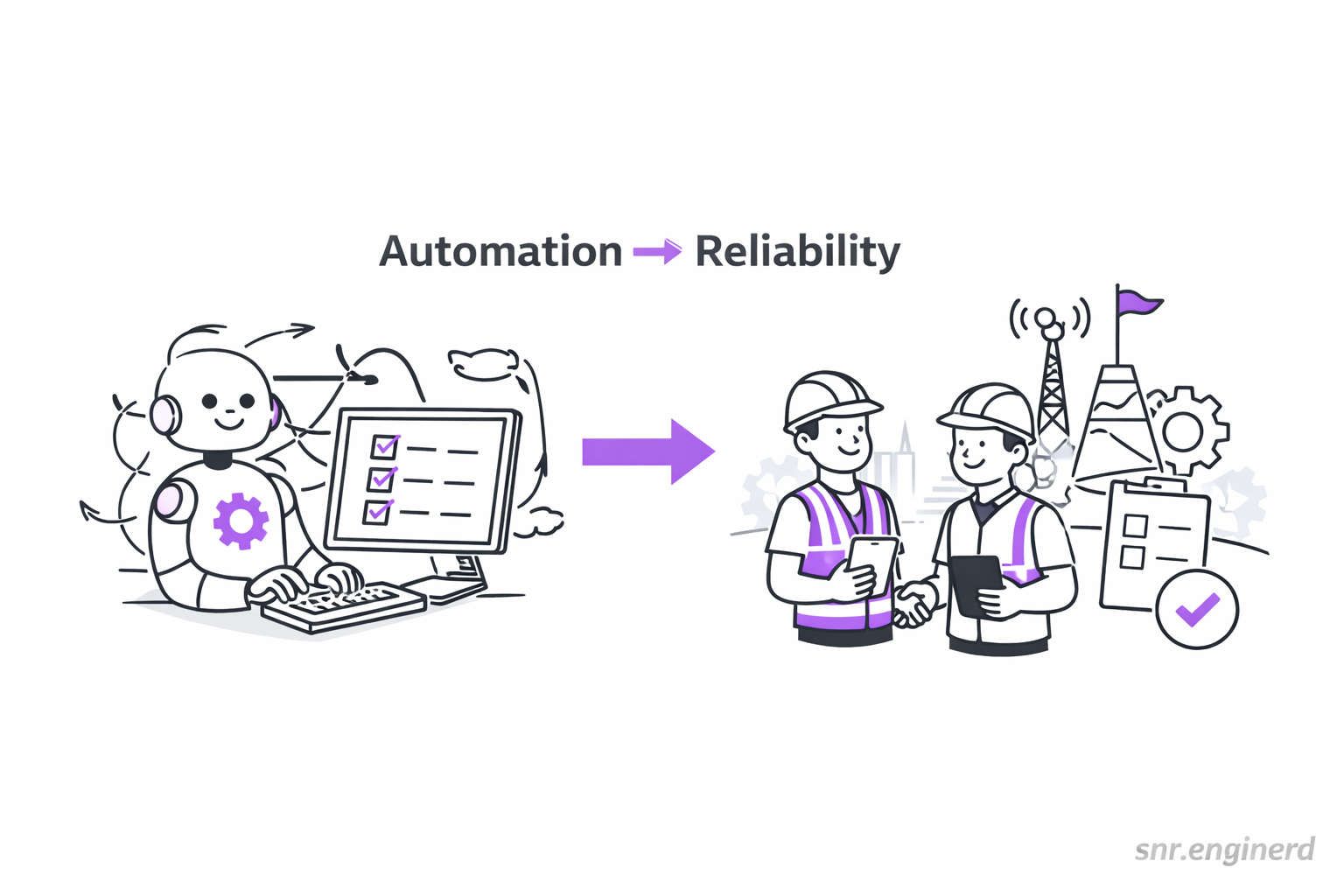
Automation meets Reliability
I saw a short video recently about airplane doors still being manual even though so much of the aircraft is automated. Someone mentioned that cabin pressure helps keep certain doors sealed at cruising altitude, and that seems plausible. The part I am less confident about is why that choice exists — I am not claiming it is a deliberate reliability strategy. But the bigger idea still sticks with me: sometimes the simplest, proven mechanism ends up being the safest.
In software, I think we should ask the same question: are we automating because it helps reliability, or just because it feels modern?
I want to share a few thoughts on automation: why it is so appealing, why developers love it, and why it often feels like the smart thing to do. I also want to talk about reliability and what it means in practice. The main idea is simple: automation and reliability can work beautifully together, but automation by itself does not guarantee reliability.
Why automation is so tempting
Automation feels like freedom. It saves time, reduces repeat work, and makes teams feel faster. A few examples I see a lot:
- CI/CD pipelines that run tests and deploy changes without manual clicks
- Scripts that create staging environments in minutes
- Alerting rules that detect errors and trigger actions right away
- Local setup scripts or
maketargets that spin up a working dev environment - Containers that bundle everything you need so you can start in minutes
When it works, it feels like magic. You get more done with less effort, and it is easy to assume that automated equals safe.
I feel this most in local development. A simple script can install dependencies, seed a database, and start the app with one command. Containers make it even easier — you can pull a ready-to-go environment without installing every tool by hand. Back in the day, you might have had to install everything manually with Homebrew, package managers, or direct downloads. Automation turns that setup chore into a one-liner, and it genuinely makes developer life better.
What is reliability?
To me, reliability is about how often a system does the right thing over time. It is not just uptime. It is also predictability, correctness, and how the system behaves when things go wrong. A reliable system is one you can trust, not one that simply runs without human input.
Automation meets reliability
Automation can support reliability when it removes human error or makes the system more consistent. For example:
- Automated rollbacks when a deploy breaks key metrics
- Backups that run on schedule and are tested regularly
Here, automation is being used to make the system safer and more predictable.
Automation does not equal reliability
Reliability is a property of the entire system (including the people), while automation is just a tool. A system can be fully automated and still be fragile.
Here are a few scenarios where automation alone cannot guarantee a reliable system:
- Automated scripts that run fast but do not have guardrails
- Pipelines that deploy broken changes because tests are shallow
- Jobs that retry forever and silently hide deeper issues
- If everything is automated, people can lose the manual skills needed when automation fails
- Hidden edge case fragility: if a system hits a scenario the designer did not foresee, the automation keeps going and can make a bad situation worse
If the automation is wrong, you just fail faster.
Final thoughts
I still love automation, and I usually reach for it first. But learning how easy it is to blur automation with reliability will help me make better engineering decisions. If you are like me and you are automating something important, take a breath and ask what could go wrong. The boring, proven path is sometimes the reliable one.
References
- https://en.wikipedia.org/wiki/Automation
- https://en.wikipedia.org/wiki/Reliability_engineering
- https://en.wikipedia.org/wiki/Fault_tolerance
- https://sre.google/sre-book/table-of-contents/